
Got a Visa gift card a
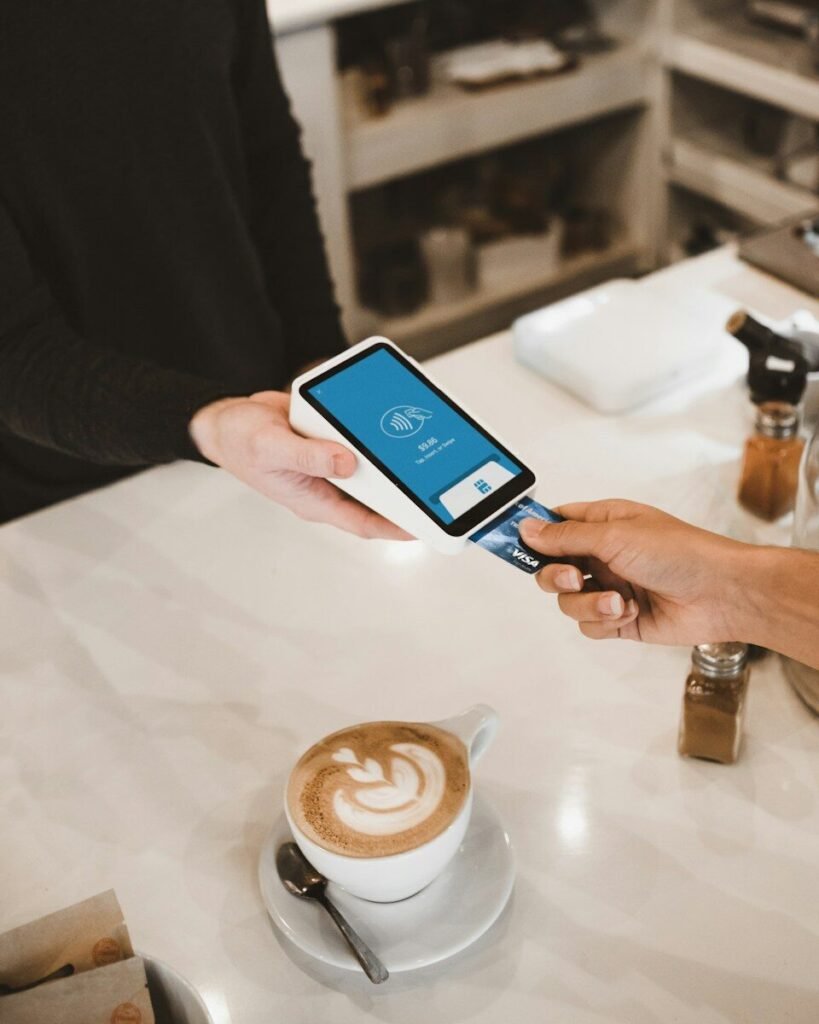 nd wondering how much is left on it? Here are the three official ways to check your Visa gift card balance in under two minutes.
Quick answer
The fastest way to check a Visa gift card balance is online. Visit the balance check website printed on the back of your card, enter your 16-digit card number, expiration date, and the 3-digit security code, then select Check Balance. Your remaining balance appears instantly.
What You Need Before You Start
- Card number: the 16-digit number on the front of the card.
- Expiration date: printed on the front as MM/YY.
- Security code (CVV): the 3-digit code on the back, sometimes under a scratch-off panel.
Method 1: Check Your Visa Gift Card Balance Online
- Turn your card over and find the issuer’s website printed on the back. Every Visa gift card is issued by a specific bank or company, and each one runs its own balance portal.
- Open that website and look for a link labeled Check Balance or Balance Inquiry.
- Enter your 16-digit card number, expiration date, and security code.
- Select Submit or Check Balance. Your current balance appears on screen, and most portals also show recent transactions.
Well-known issuer portals include balance.vanillagift.com for Vanilla cards, giftcardmall.com/mygift for GiftCardMall cards, and Giftcards.com. Always use the exact address printed on your own card.
own card.
Method 2: Check Your Balance by Phone
- Call the toll-free number printed on the back of your card.
- Follow the automated prompts and choose the balance inquiry option.
- Enter your card number, and the security code if asked, using your phone keypad.
- The system reads out your current balance. The call is free and the line is open 24/7, which is handy when you are already out shopping.
Method 3: Check Your Balance In-Store
- Take your Visa gift card to any store that accepts Visa.
- Ask the cashier to check the balance. They can swipe or scan the card directly.
- As an alternative, look at your receipt after any purchase. Many receipts print the remaining balance.
Tip
Before a large purchase, check your balance first. If the total is higher than what is left on the card, ask the cashier to split the payment between the gift card and another payment method.
Safety
Only enter your card number and security code on the official issuer website or the official phone line. CheckIC never asks for your card details. Never share them with third-party balance checker sites, or with anyone who calls, texts, or emails you unexpectedly.
Visa Gift Card Balance FAQs
Go to the balance check website printed on the back of your card, enter your 16-digit card number, expiration date, and security code, then submit. Your balance appears instantly, along with recent transactions on most issuer portals.
There is no single number for all cards. Call the toll-free customer service number printed on the back of your card, because each issuer runs its own automated balance line.
Online balance checks almost always require the security code. If yours is unreadable, a store cashier can usually check the balance by scanning the card without it.
The most common reasons are a purchase amount above the remaining balance, a card that is not registered for online use, or a temporary merchant hold. Check your exact balance first, then contact your card issuer if the problem continues.
Under US federal rules, the funds on Visa gift cards generally cannot expire for at least five years. Some cards charge a monthly maintenance fee after a period of inactivity, so check the terms that came with your card.